

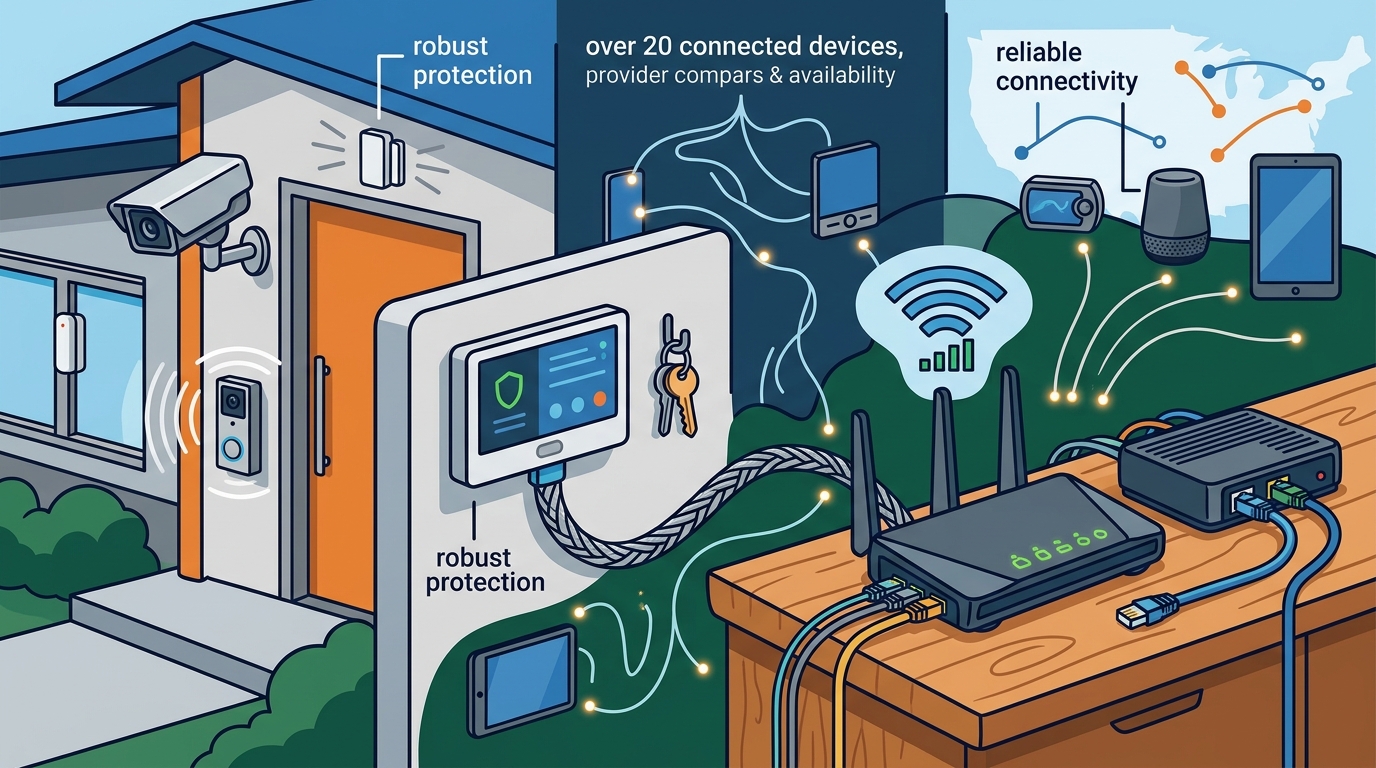
Reliable connectivity and robust physical security are no longer optional luxuries for modern homeowners. According to recent industry data, the average household now relies on over 20 connected devices, making a stable internet connection the backbone of daily operations. When you combine this digital dependency with rising concerns about property safety, finding a provider that offers both high-speed internet and professional home security becomes a critical priority. This guide breaks down exactly how to evaluate these bundles, compare top providers, and secure the best rates without compromising on quality. (Utility Connect Free Home)
Understanding Home Security and Internet Bundles
A home security and internet bundle is a consolidated service package that combines high-speed broadband connectivity with monitored or unmonitored security systems. This approach simplifies billing and often reduces the overall cost compared to purchasing these services separately. The primary benefit lies in the integration of smart home devices, allowing your security cameras, doorbells, and sensors to communicate seamlessly over your home network. (Utility Connect Setup Electric)
Home security is a system designed to protect a property from intrusion, fire, and environmental hazards. These systems typically include sensors, control panels, and monitoring services that alert authorities or homeowners in real-time. When paired with internet, these devices can provide live video feeds and remote access via mobile applications. (Utility Connect Setup Electric)
Internet connectivity is the infrastructure that enables data transmission between your home devices and the wider web. For security systems to function effectively, they require a consistent, low-latency connection. A drop in internet service can disable cloud storage for security footage or delay emergency alerts, making the reliability of your internet provider just as important as the quality of your security hardware.
Many homeowners in Texas and across the USA are turning to concierge services to navigate this complex landscape. Utility Connect offers a free service where a personal concierge shops the best rates, packages, and appointment times for you. This eliminates the need to call multiple providers individually, saving hours of research time.
How to Evaluate Provider Reliability
Not all internet providers offer the same level of support for security systems. When evaluating potential providers, you must look beyond just the advertised download speeds. The stability of the connection and the quality of customer support are equally vital for maintaining a secure home.
Network Stability and Uptime
Security cameras and smart locks require constant connectivity. If your internet goes down, your ability to monitor your home remotely is compromised. Look for providers that offer fiber-optic or high-quality cable options with strong uptime guarantees. According to network performance reports, fiber connections generally offer lower latency and higher reliability than traditional DSL or satellite options.
Monitoring and Support Services
Some security providers offer 24/7 professional monitoring, which alerts emergency services if your alarm is triggered. Others rely on self-monitoring via mobile apps. The best choice depends on your lifestyle and budget. However, the internet provider must support the bandwidth requirements of continuous video streaming if you choose self-monitoring with cloud storage.
Contract Flexibility and Pricing
Many providers lock you into two-year contracts with early termination fees. It is crucial to understand the total cost of ownership, including equipment rental fees and installation charges. Bundling often provides a discount, but you must verify that the security system quality matches the internet speed you are paying for.
Top Bundle Options Compared
Choosing the right bundle requires comparing specific features, speeds, and security offerings. The table below outlines common types of bundles available to homeowners.
| Bundle Type | Internet Speed | Security Features | Best For |
|---|---|---|---|
| Standard Cable Bundle | 100-300 Mbps | Basic DIY cameras, app monitoring | Apartments and small homes |
| High-Speed Fiber Bundle | 500 Mbps - 1 Gbps | Advanced AI detection, cloud storage | Large homes with many devices |
| Professional Monitoring Bundle | 50-200 Mbps | 24/7 central station monitoring | Users seeking maximum safety |
| DIY Smart Home Bundle | Varies | Self-installed sensors, smart locks | Tech-savvy homeowners |
To find the specific providers offering these bundles in your area, you need a localized comparison. Utility Connect helps you compare all home services in one place, simplifying your move and saving time using our integrated platform to compare providers.
Installation and Setup Considerations
Once you have selected a bundle, the installation process can be complex. Security systems require precise placement of sensors and cameras to ensure full coverage. Internet routers must be positioned for optimal signal strength throughout the home.
Professional installation is often recommended for security systems to ensure proper wiring and configuration. However, many modern DIY systems are designed for easy setup. If you choose professional installation, you must coordinate the internet technician and the security installer to avoid scheduling conflicts.
Utility Connect assists with this coordination. When you contact Utility Connect, your personal concierge will shop the best rates, packages, and appointment times. This ensures that your internet is active before the security team arrives, allowing for immediate testing of all connected devices.
Key Takeaways
- Bundle Savings: Combining internet and security services often reduces monthly costs by 10-20% compared to separate bills.
- Reliability is Key: A stable internet connection is essential for real-time security alerts and cloud video storage.
- Local Availability: Provider options vary significantly by region, making localized research critical for Texas homeowners.
- Concierge Support: Using a free utility concierge service can save hours of research and ensure you get the best available rates.
- Contract Terms: Always review early termination fees and equipment return policies before signing.
- Smart Integration: Ensure your security system is compatible with your existing smart home ecosystem.
- Professional vs. DIY: Professional monitoring offers peace of mind, while DIY offers flexibility and lower monthly fees.
Frequently Asked Questions
What is the best way to compare internet and security providers?
The most effective method is to use a comprehensive comparison tool or a concierge service that aggregates local provider data. This allows you to view pricing, speeds, and security features side-by-side without contacting each company individually.
Do I need professional monitoring for my home security system?
Professional monitoring is not strictly required, but it provides an additional layer of safety. If you are away from home or unable to respond to an alert, a monitoring center can contact emergency services on your behalf.
How does internet speed affect my security cameras?
Higher internet speeds allow for higher resolution video streaming and faster upload times to the cloud. If you have multiple cameras, a speed of at least 100 Mbps is recommended to prevent buffering or lag.
Can I install a security system myself?
Yes, many modern security systems are designed for DIY installation. They use wireless sensors and mobile apps, making them easy to set up without professional help. However, professional installation ensures optimal placement and configuration.
What should I do if my internet goes down?
Most modern security systems have a cellular backup option that activates when the internet connection is lost. This ensures that your home remains monitored even during an internet outage.
Are there hidden fees with bundled services?
Some providers charge equipment rental fees, installation fees, or early termination fees. It is important to ask about these costs upfront and compare the total monthly cost over the contract term.
How long does installation take?
Professional installation typically takes 2-4 hours, depending on the size of the home and the number of devices. DIY installation can be completed in a few hours by a single person.
Contact Utility Connect
Stop wasting time researching providers on your own. Let our experts handle the heavy lifting. Utility Connect is a complimentary one stop service for homeowners and tenants living in the USA. We are a Fast, Easy, & FREE service where "One Call Does It All".
Click here to setup your services today and get matched with the best internet and security providers in your area. Our team is ready to assist you with everything from internet setup to security installation.